

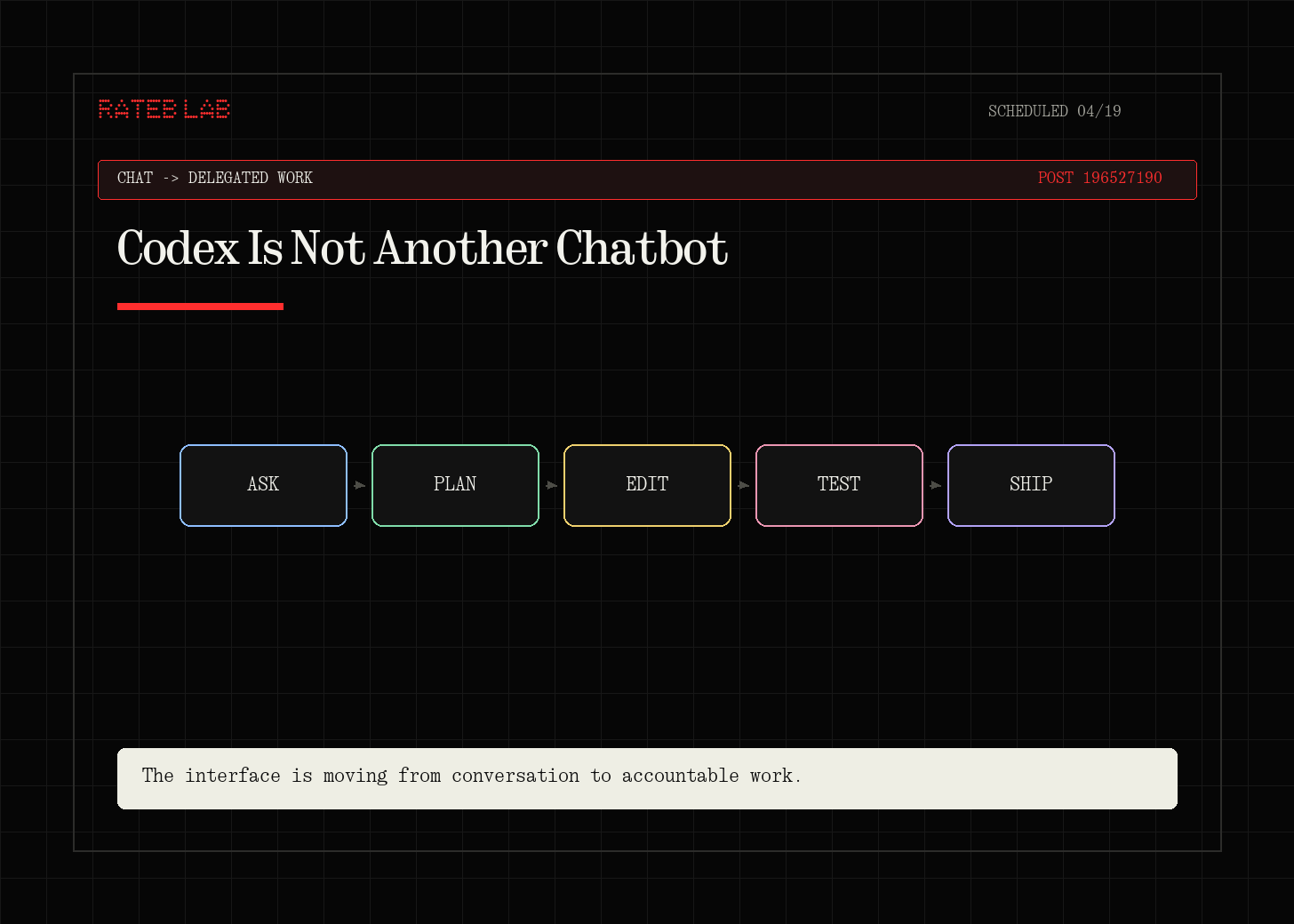
Most people will open Codex and compare it to ChatGPT or Claude.
That makes sense at first.
You type a message. The agent replies. It can write code, edit files, and answer questions.
But after watching Riley Brown’s walkthrough, I think that comparison is too small.
The better mental model is this:
Codex is a local workbench for turning computer work into repeatable systems.
Not just prompts. Not just chat. Not just code.
A workbench.
The important shift is that Codex can work with files on your computer, use projects as real folders, connect to plugins, follow skills, control a browser, and run recurring automations.
That changes what you should ask it to do.
Instead of asking:
“Can you write this for me?”
The better question becomes:
“Can you help me build the workflow that produces this every time?”
That is a much more useful question.
The Local File Difference
In normal chat tools, files often feel temporary.
You upload a PDF, screenshot, spreadsheet, or draft. The model reads it. Then the output lives inside the conversation unless you move it somewhere else.
Codex works differently.
The useful part is not only that it can create files.
The useful part is that those files live in your local project.
That means you can ask Codex to process a folder of receipts, create an Excel workbook, make charts, generate a landing page, or turn a document into a presentation, and the result exists as a real file on your machine.
This is boring in the best way.
Real work needs files.
Receipts. Spreadsheets. Markdown drafts. Images. Landing pages. PDFs. Slide decks. Source notes.
If the agent can only talk, you still have to do the operational cleanup.
If the agent can work inside the folder where the real work lives, it becomes closer to an assistant who can help finish the job.
Projects Matter More Than Prompts
One of the most useful lessons from the video is simple:
Use projects.
A random chat can help.
A project gives the agent a place to work.
When Riley creates a Codex project, the chat is tied to a real folder. Files created inside that chat go into the project folder. Existing files can be referenced. New outputs stay organized.
That sounds basic, but it solves a real problem.
Many AI workflows fail because the output has no home.
You ask for a draft, then forget where it is. You ask for an image, then lose the source. You ask for research, then it stays trapped in a chat. You ask for a spreadsheet, then the next step is disconnected from the first one.
A project turns the conversation into a workspace.
For technical learning, this is powerful.
You could create a project for:
AWS labs
Linux notes
networking diagrams
job applications
content packages
scripts and automations
certification study systems
client research
Then each Codex chat becomes part of the same working folder.
That is how the tool starts to feel less like a chatbot and more like an operating layer for your work.
Memory Is Useful, But It Needs Taste
The video also covers two kinds of memory:
manual memory
automatic memory
Manual memory is the part you deliberately ask Codex to remember.
For example:
“When I ask for a learning landing page, use this text-first layout with a table of contents.”
Codex can store that preference in an AGENTS.md style instruction file.
Automatic memory is more passive. Codex can keep context about patterns in your work so future tasks start with more understanding.
This is useful, but it also needs judgment.
Memory is not magic.
A remembered preference can improve consistency.
But a bad remembered preference can also repeat bad taste.
That means the real skill is not just “let the agent remember things.”
The real skill is learning what to turn into a durable instruction.
Good memories are things like:
how you structure project folders
how you write technical explanations
what visual style you prefer
what a finished output should include
what should never be skipped
what quality checks matter
Bad memories are vague preferences like:
“make it better”
“use my style”
“be creative”
The clearer the instruction, the more useful the memory.
Plugins Connect the Agent to Real Context
Plugins are where Codex starts to move beyond local files.
Riley shows examples like Gmail and Notion.
The idea is simple:
Plugins connect Codex to the tools where your context already lives.
Instead of copying and pasting email threads, notes, documents, or app data into the chat, you can ask Codex to use the connected tool directly.
This matters because most knowledge work is scattered.
Your task is in email. The context is in Notion. The source file is in Google Drive. The output needs to become a document, spreadsheet, or post.
Without plugins, you become the transport layer.
You copy. You paste. You rename. You upload. You explain.
With plugins, the agent can gather more of the context itself.
That does not remove your responsibility.
It changes your role.
You become the editor, reviewer, and decision-maker.
The agent becomes the operator that can search, assemble, compare, and draft.
Skills Are Repeatable Workflows
Skills may be the most important part of the whole video.
A skill is not just a prompt.
A skill is a reusable workflow recipe.
The best way to create one is not to guess the perfect instructions upfront.
The better path is:
Run the workflow manually with Codex.
Review the output.
Ask for changes.
Repeat until the result is good.
Ask Codex to turn the workflow into a skill.
This is a strong pattern because the skill is based on a real output, not an imaginary one.
For example:
You could have a skill for:
turning a YouTube transcript into a content package
building Excalidraw diagrams from technical notes
scanning Gmail for brand deals
creating a weekly cloud learning report
reviewing a project folder before publishing
creating a Substack and social distribution pack
This is where Codex becomes more than a writing or coding tool.
It becomes a way to capture how you work.
That is the part I care about most.
The goal is not to have one impressive AI output.
The goal is to build a library of repeatable workflows that keep improving.
Browser And Computer Control Change The Feedback Loop
Riley also shows browser control and computer use.
This is where the agent can test an interface, click around, scroll, verify navigation, and interact with apps.
For frontend work, this is a major shift.
It is one thing to ask an AI to build a page.
It is better to ask it to build the page, open it, test it, notice broken buttons, fix the layout, and verify the result.
That closes the loop.
For a technical learner, this matters because it teaches a better habit:
Do not stop at generated output.
Ask for verification.
Ask the agent to test.
Ask it to inspect the file.
Ask it to explain what it changed.
Ask it to leave proof.
The future of using AI well is not “prompt and pray.”
It is:
prompt, inspect, test, revise, document.
Automations Turn A Good Workflow Into A System
The final major capability is automations.
This is where Codex can run repeatable work on a schedule.
That could be:
every Friday, update a brand deal spreadsheet
every morning, summarize project changes
every week, review open tasks
every day, scan a folder and create a brief
every month, refresh a dashboard
This is where the workflow becomes operational.
A one-time prompt saves minutes.
A reliable automation can save hours every month.
But there is a catch.
Automating a messy workflow creates recurring mess.
So before automating, the workflow should be clear.
What is the input? What should be ignored? What is the output? Where should it be saved? What does “done” mean? What should be reviewed by a human?
That is why skills and automations fit together.
The skill defines the method.
The automation defines the schedule.
The Beginner Mistake
The beginner mistake is trying to use Codex like a smarter chat window.
That is useful, but it misses the deeper value.
The better use is to ask:
What folder should this work live in?
What source files does the agent need?
What output should be created?
What should be checked before finishing?
Can this become a reusable skill?
Can this become an automation later?
This is a more serious way to use AI.
It is less flashy.
It is more useful.
My Practical Takeaway
Codex is not only about coding.
It is about moving from one-off prompts to repeatable work.
The seven capabilities from the video point to one larger idea:
The future skill is not prompting. It is workflow design.
Prompting is still useful.
But the bigger advantage is knowing how to turn a task into a system:
files in the right folder
project context preserved
memory used carefully
plugins connected to real sources
skills created from proven workflows
browser checks used for verification
automations scheduled only after the workflow is stable
That is the frame I want to keep.
Do not just ask AI to do work.
Teach it how your work should work.
Then improve that system every time you use it.
Source: Riley Brown, “Learn 95% of Codex in 30 minutes” Video:
Official OpenAI context used for fact-checking:
OpenAI Codex overview: https://openai.com/codex/
OpenAI Academy, Plugins and skills: https://openai.com/academy/codex-plugins-and-skills/
OpenAI Academy, Automations: https://openai.com/academy/codex-automations
OpenAI, Codex for almost everything: https://openai.com/index/codex-for-almost-everything/